File preparation
Most time and material is lost before the laser even fires — on a bad file. Here we cover turning an image into a vector, upscaling artwork that is too small, choosing the right engraving resolution and preparing files for LightBurn.
The tools from these articles are free to use, no account needed: the Vectorizer (image → SVG cut contours), the AI Upscaler (upscaling without blur), Shape & Outline (a photo in a heart shape and a cut line around artwork) and the Background Remover (a subject cut out of a photo without halos, for engraving and cutting).
- All26
- Lasers & machines5
- File preparation7
- Materials & settings6
- Engraving4
- Running a laser business4
-
File preparation
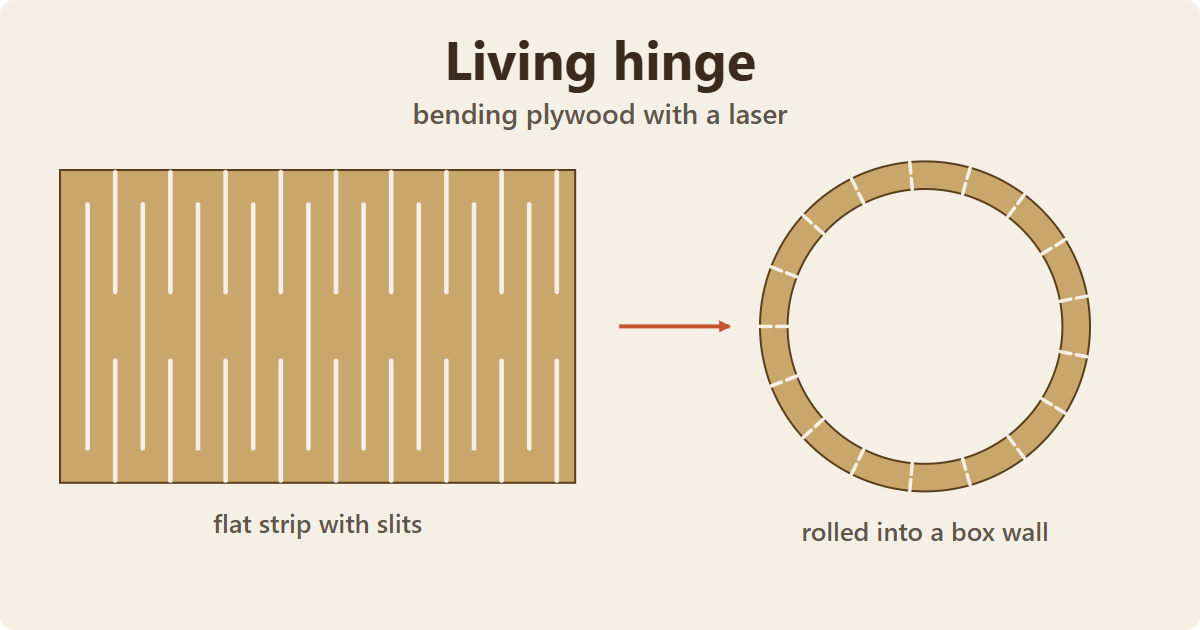
Living hinge laser cutting: slit patterns, bend radius and why hinges crack
Slit patterns, slit length, spacing and bridges, what sets the bend radius and why hinges crack — with a test strip.
-
File preparation
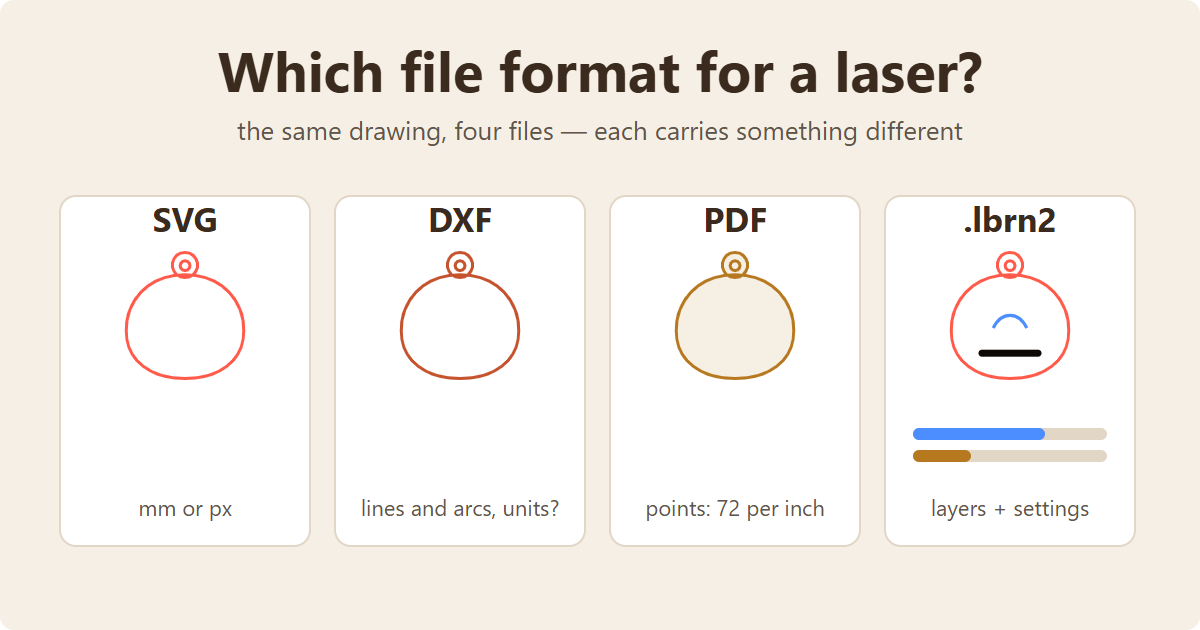
Laser cutter file formats: SVG, DXF, PDF, AI or .lbrn2?
What SVG, DXF, PDF, AI and .lbrn2 carry, where scale errors come from, what LightBurn and xTool import, and which file to send.
-
File preparation
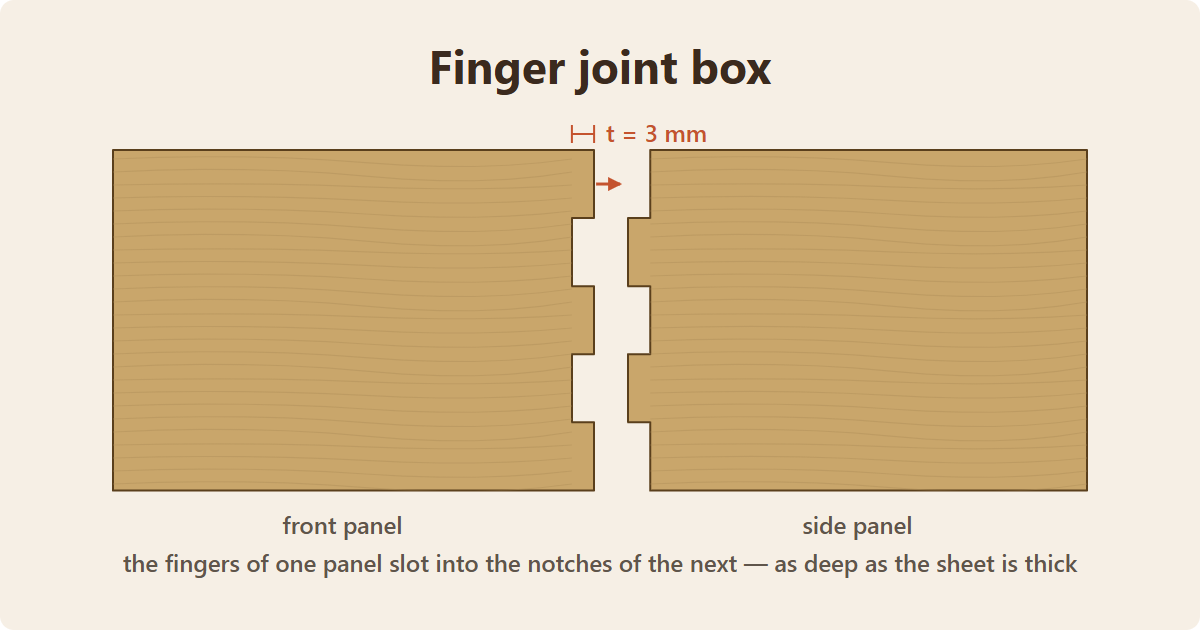
Finger joint box design for laser cutting: how to make it fit the first time
Measure the real thickness, compensate for kerf, pick a finger width and a lid — so the box fits the first time.
-
File preparation
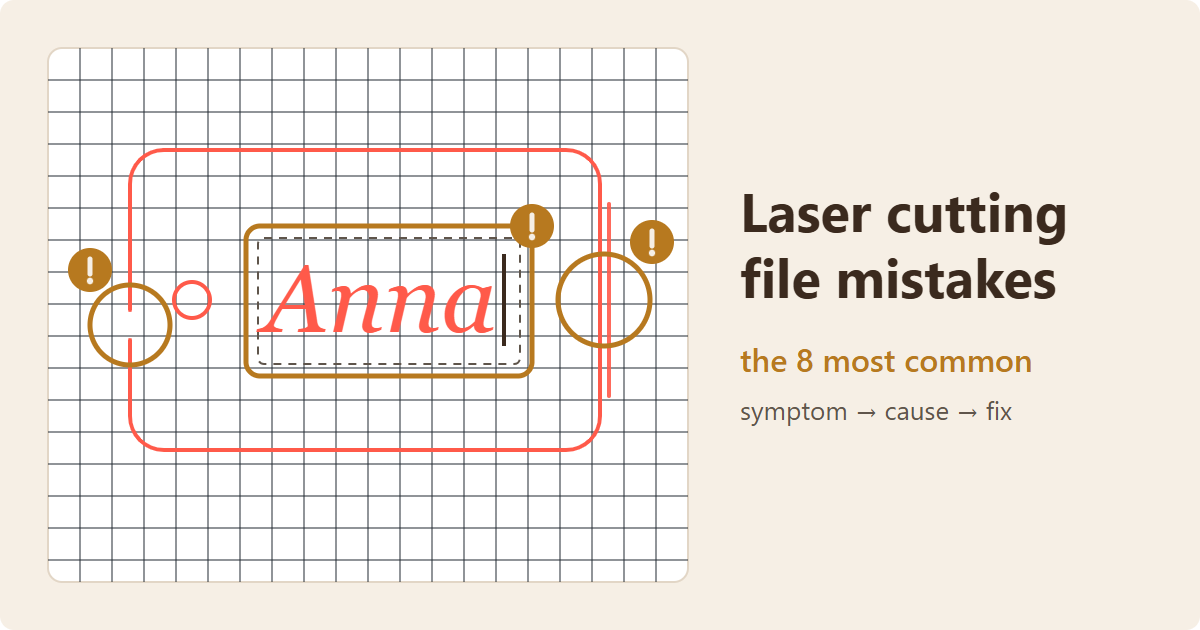
Laser Cutting File Mistakes: 8 Common Errors and How to Fix Them
Wrong scale, open contours, live text, double lines — 8 SVG and DXF file mistakes as symptom, cause and fix.
-
File preparation
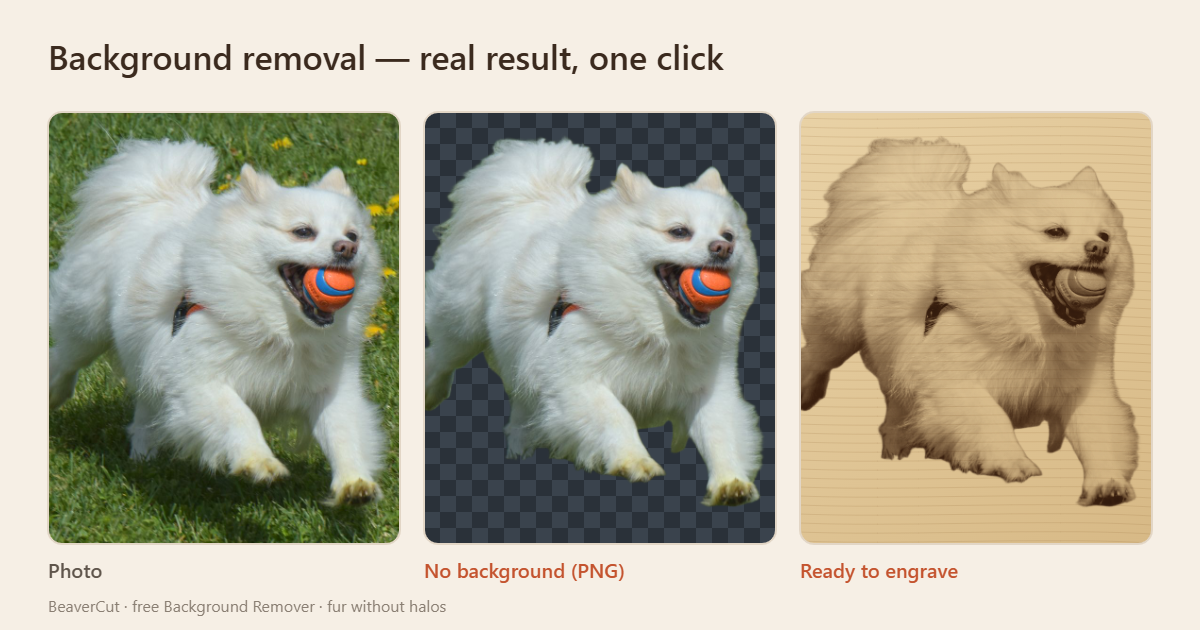
Remove Background From a Photo for Free — for Laser Work
How to cut a subject out of a photo without halos around hair and prepare it for engraving or cut-out shapes.
-
File preparation
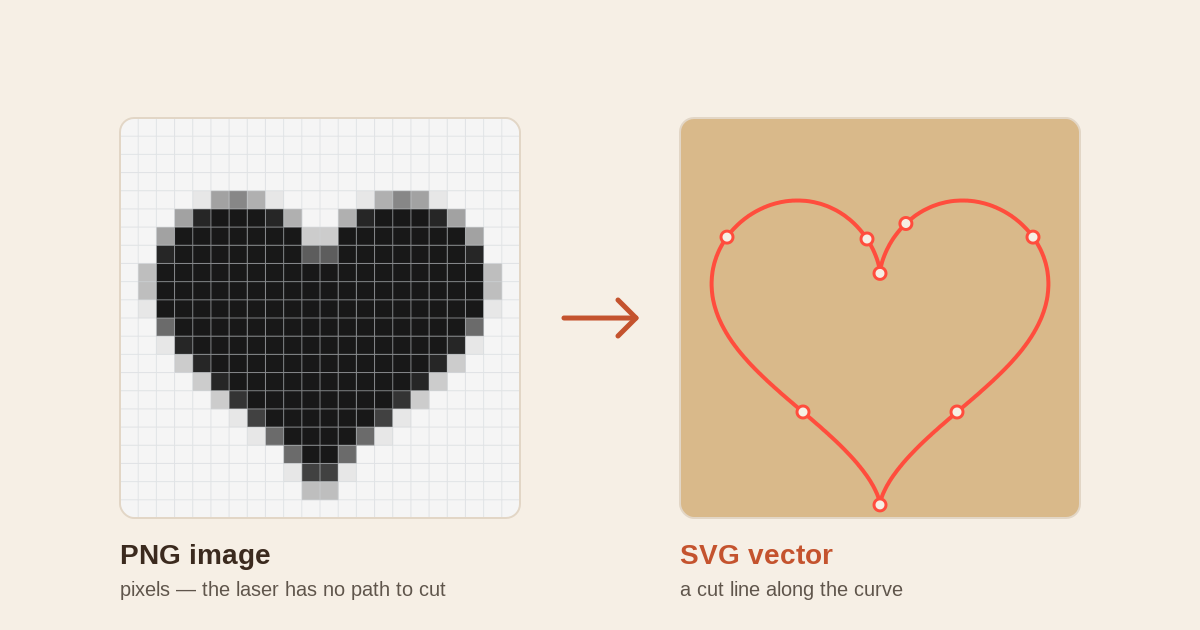
How to vectorize an image for laser cutting (logo to SVG)
Why a laser cannot cut a PNG, how to prepare the image and how to turn it into a clean vector for free.
-
File preparation
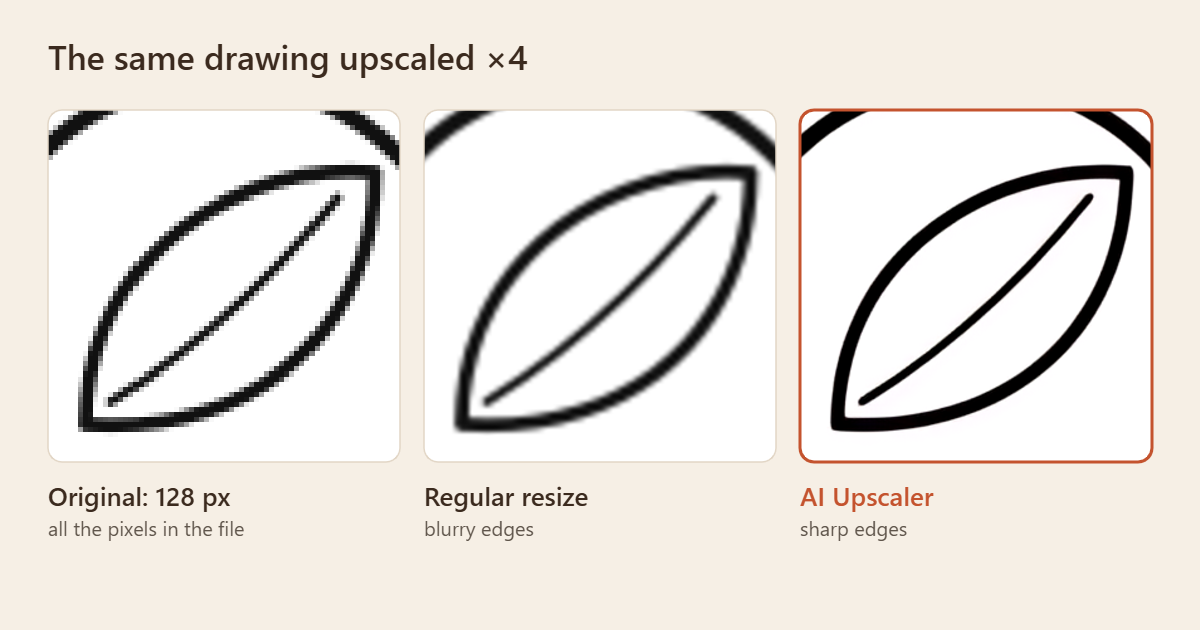
How to upscale an image without losing quality (AI, free)
How many pixels a laser needs, why regular resizing blurs and how to do it properly with AI.