Engraving
Engraving is the other half of laser work — and often the most profitable one: names, logos, pet portraits, signs. Here we cover choosing resolution and settings, preparing photos and finishing wood after engraving.
You can dial in engraving settings for free, no account needed: Material tests create a power × speed grid as a ready LightBurn file.
- All26
- Lasers & machines5
- File preparation7
- Materials & settings6
- Engraving4
- Running a laser business4
-
Engraving
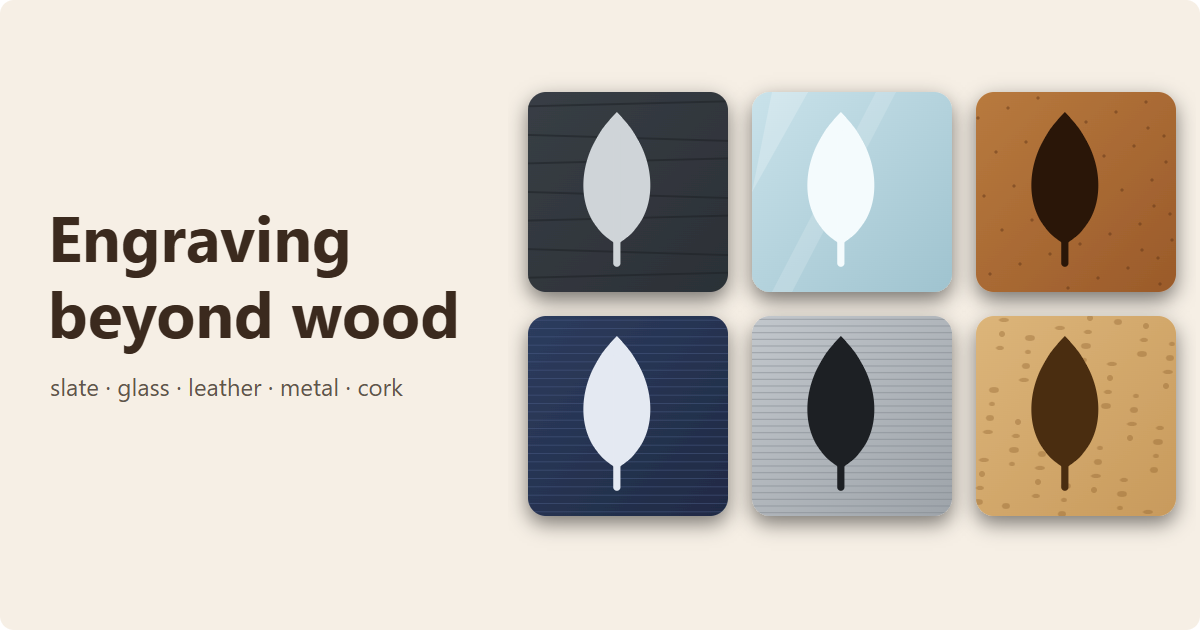
Laser engraving beyond wood: slate, glass, leather, metal and other materials
Slate, glass, leather, anodized aluminum, steel, cork — what CO₂, diode and fiber lasers do to them, and what never to burn.
-
Engraving
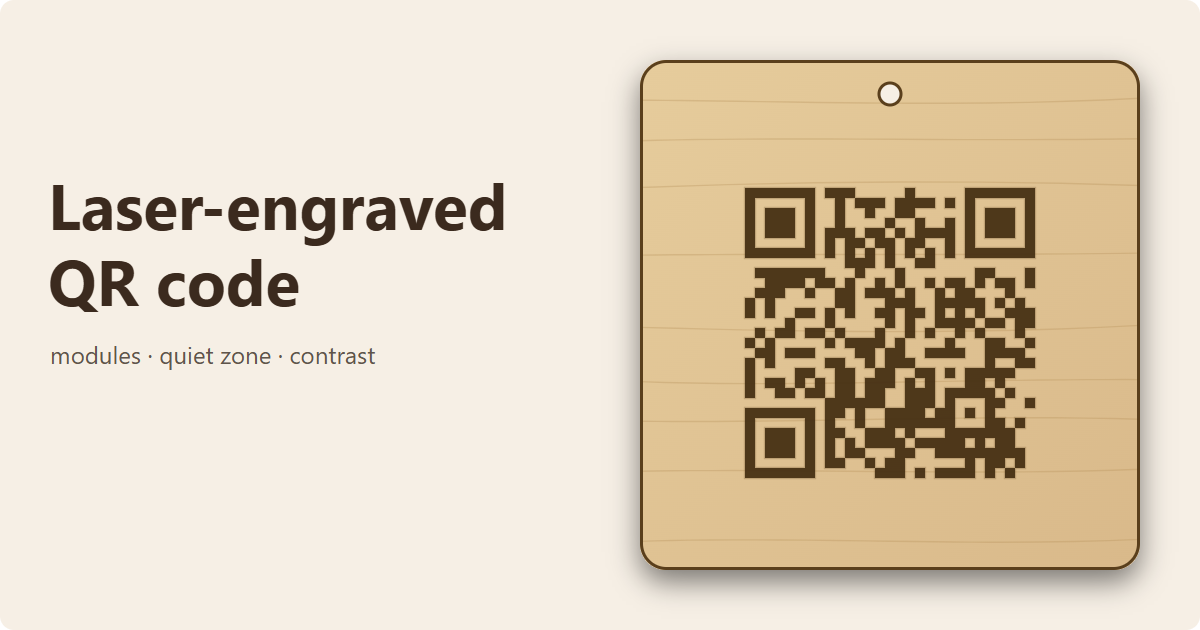
Laser-engraved QR code: how to make one every phone can scan
Cells bigger than the spot, a quiet zone, a shorter link, an inverted code on slate and a phone test — so your QR code scans.
-
Engraving
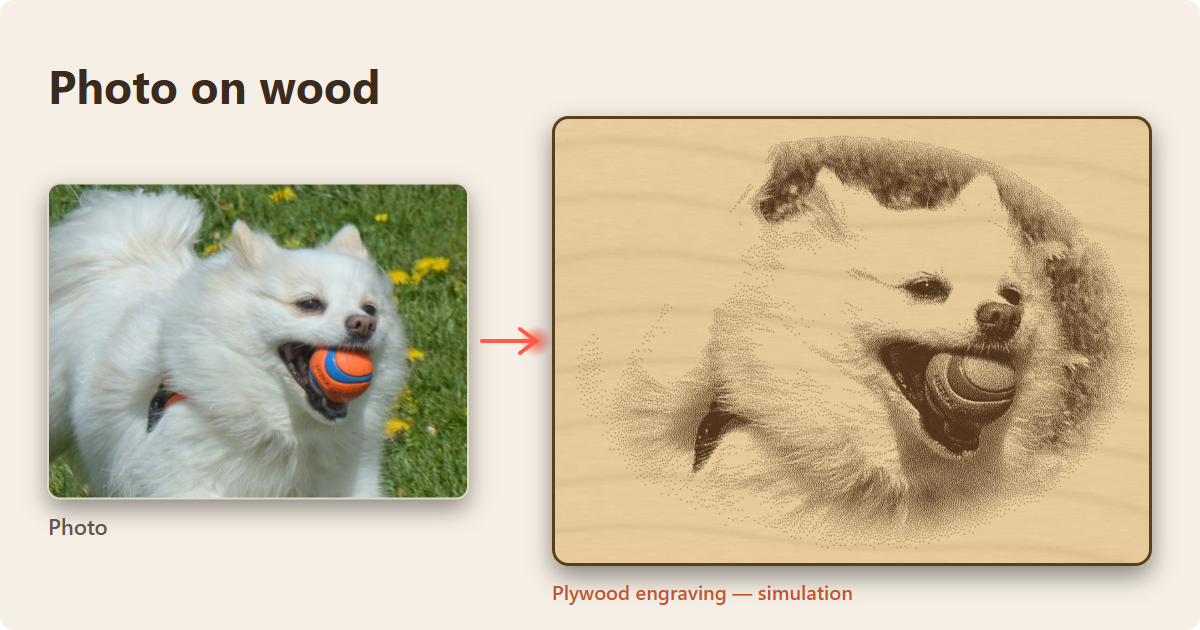
How to Laser Engrave a Photo on Wood (Step by Step)
Picking the photo, crop and background, resolution in DPI, brightness and contrast, dithering and inverting.
-
Engraving
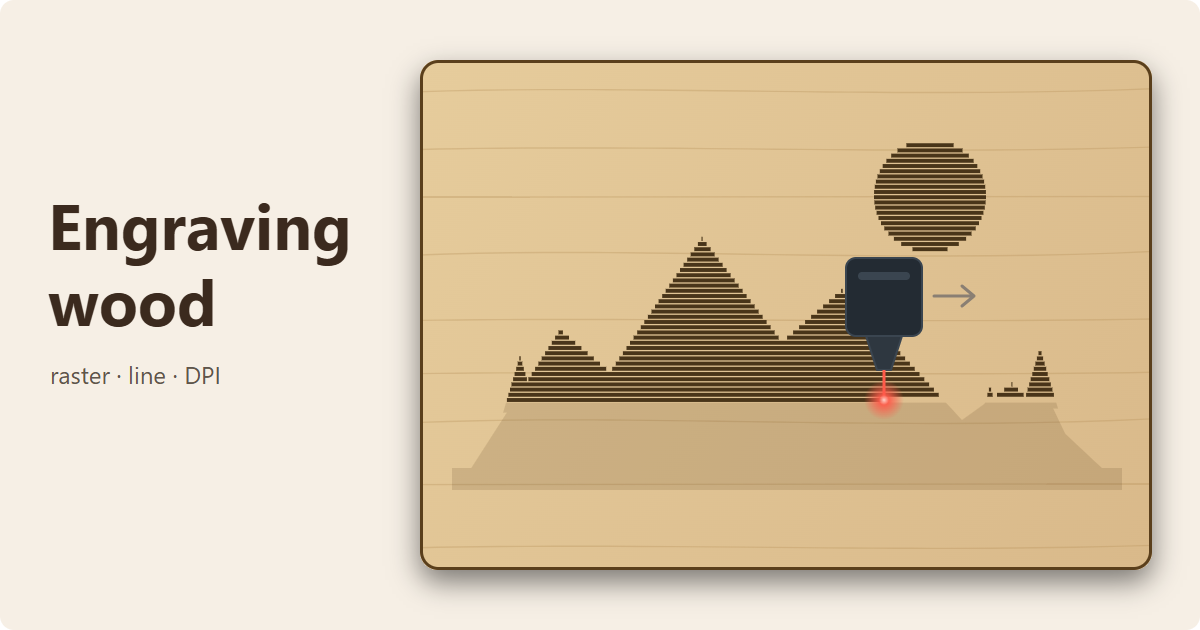
Laser Engraving Wood: Settings, DPI and Finishing
Raster vs vector engraving, line interval and DPI, power and speed, overscan, wood species and finishing — with numbers.