Materials & settings
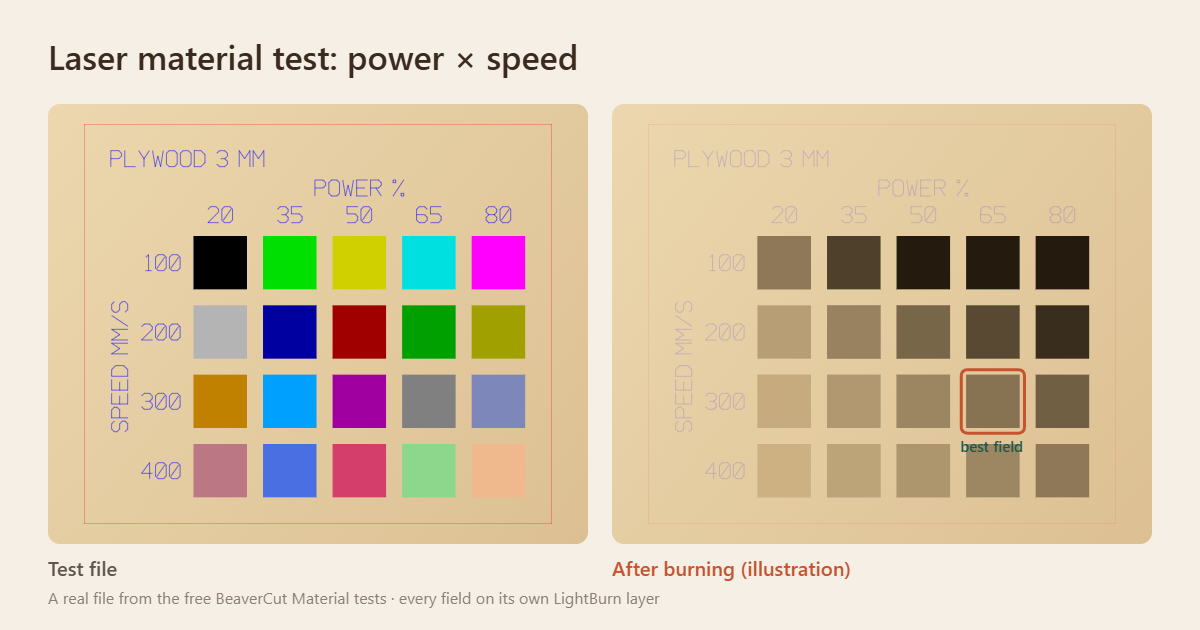
The same plywood from two suppliers can cut completely differently. Here we cover dialing in power and speed for a material, measuring kerf, setting focus and saving the results so the next job starts without trial runs.
You can generate the test file for free, no account needed: Material tests create a power × speed grid, kerf measurement, a fit comb and a focus ramp — as a ready LightBurn file.
- All26
- Lasers & machines5
- File preparation7
- Materials & settings6
- Engraving4
- Running a laser business4
-
Materials & settings
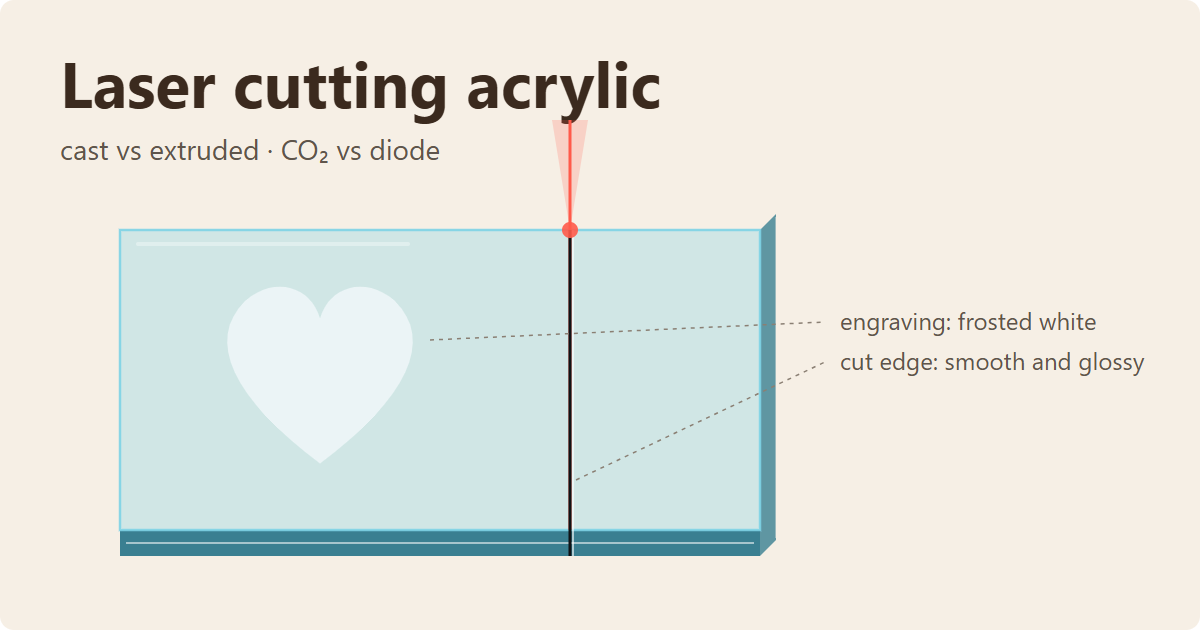
Laser cutting acrylic: cast vs extruded, CO₂ vs diode, and how to avoid cracks
Cast engraves frosted, extruded cuts glossy; diodes vs clear sheet, masking, honeycomb flashback and gluing without cracks.
-
Materials & settings
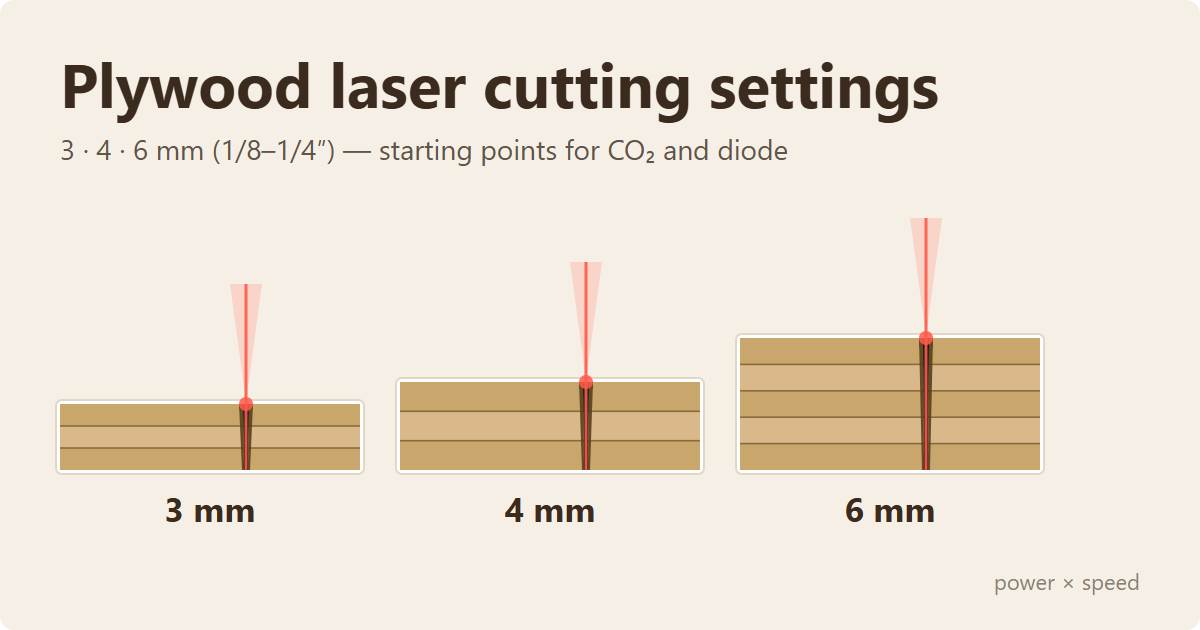
Plywood laser cutting settings for 3, 4 and 6 mm (1/8″–1/4″): starting points and how to dial in your own
Power and speed ranges for 40–100 W CO₂ and 10–40 W diodes, why no chart transfers 1:1, and a 15-minute test.
-
Materials & settings
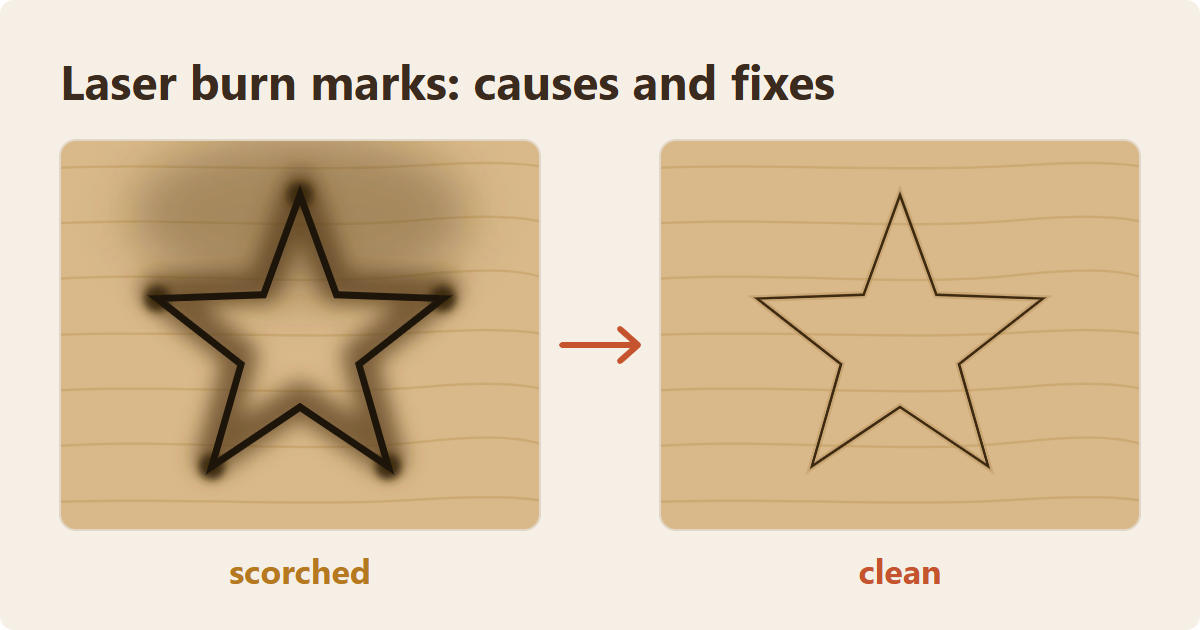
How to Prevent Laser Burn Marks on Wood and Plywood
Why lasers scorch wood — dark edges, smoke stains, honeycomb marks — and how to prevent them or clean up the part.
-
Materials & settings
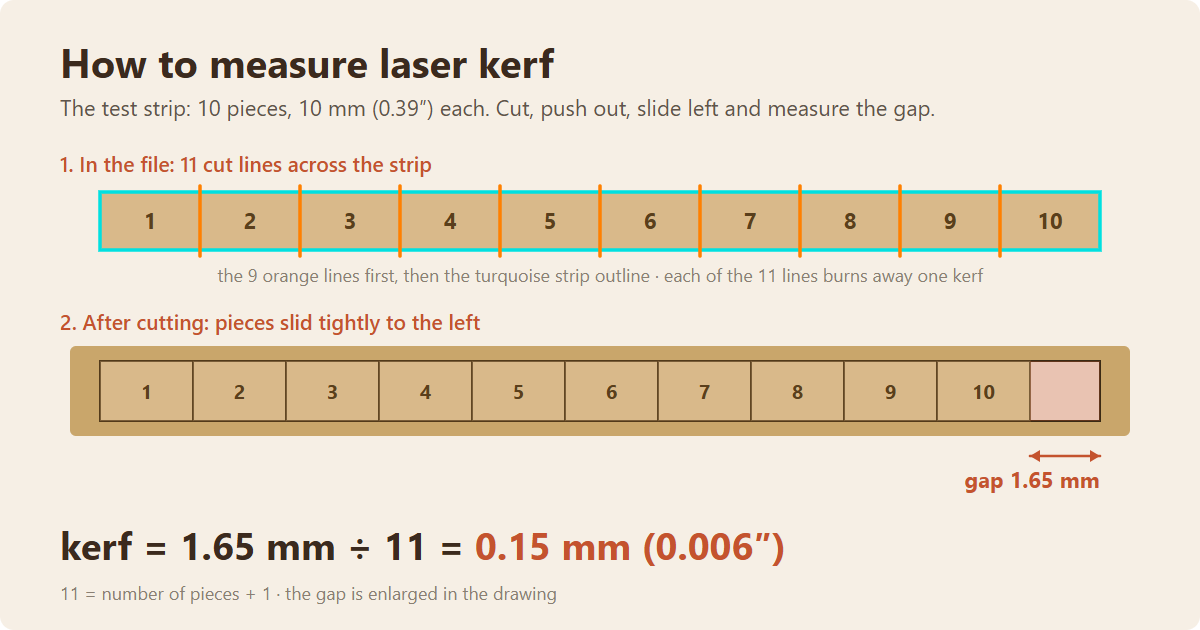
How to measure laser kerf — material tests step by step
The kerf strip and the fit comb with real numbers, plus the power × speed grid and the focus ramp — what to measure and what to enter.
-
Materials & settings
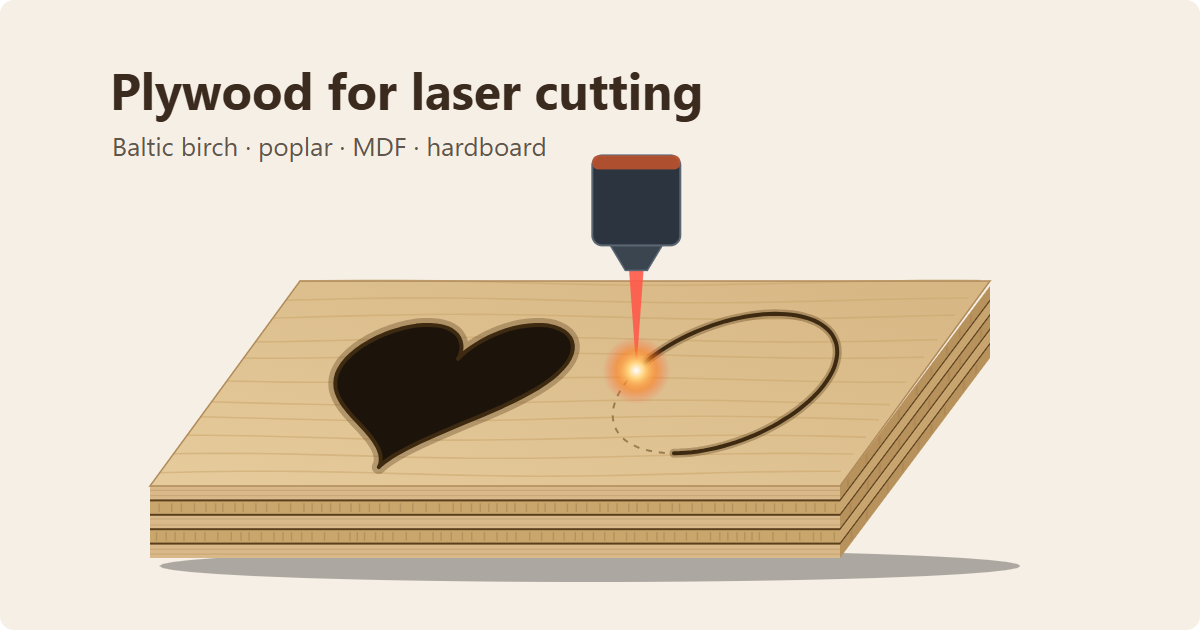
Best plywood for laser cutting: how to choose and spot a bad sheet
Baltic birch, poplar or laser-grade? How glue, voids and thickness tolerance affect cutting — and how to spot a bad batch.
-
Materials & settings
Laser Material Test: Power, Speed and Kerf Step by Step
How to dial in power and speed for a new sheet, measure kerf and set focus — with a ready-made LightBurn file.